
Why Firestick Is the 1 IPTV Device in 2026
Contact IPTVX via WhatsApp to request an IPTV free trial or test access and experience premium IPTV streaming before subscribing
Learn how to use IPTV for Firestick 2026. Discover setup steps, best IPTV apps, streaming quality, and how to choose a reliable IPTV service.
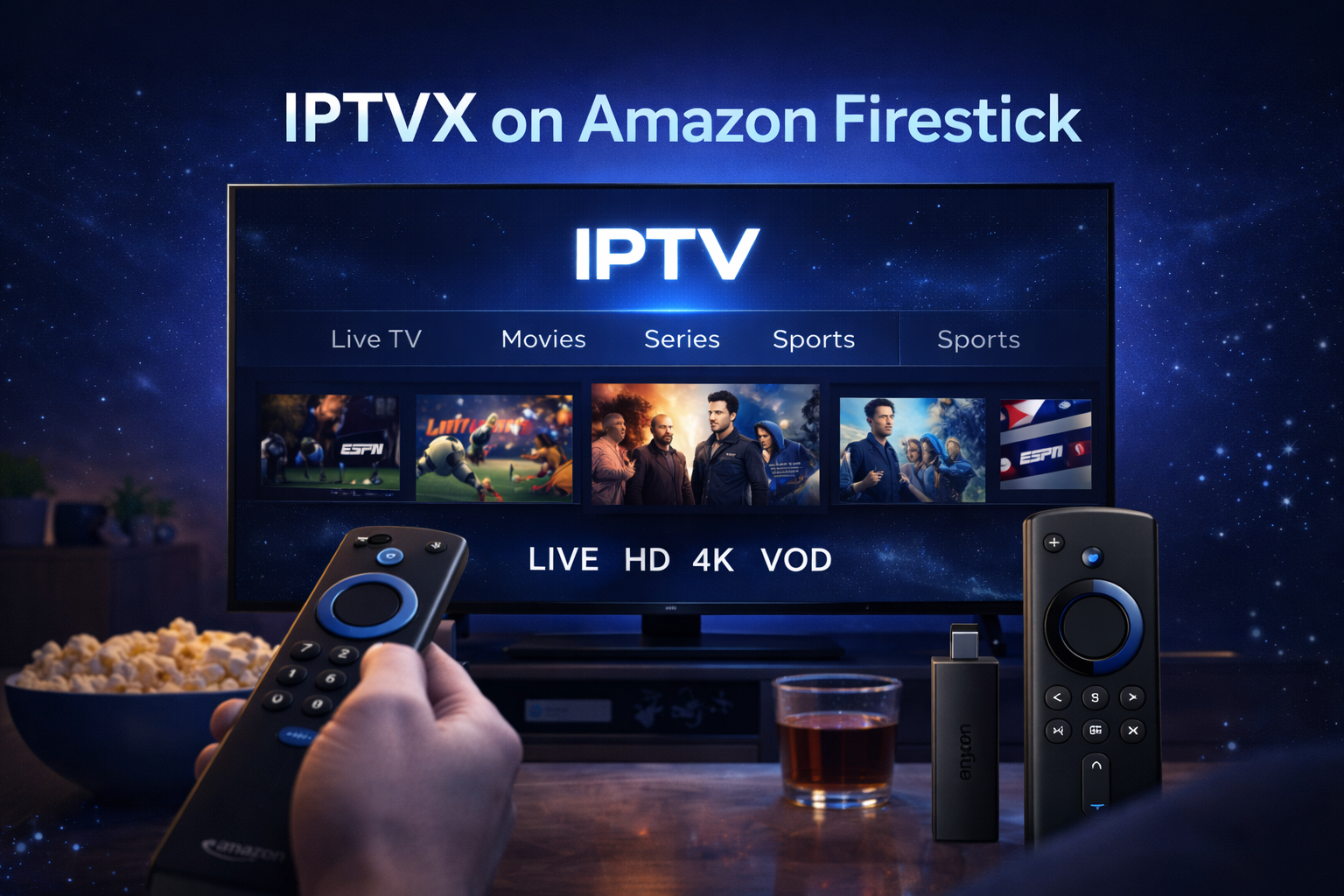
Amazon Firestick has become the most popular streaming device in the United States. Affordable, easy to use, and powerful, Firestick is the first choice for millions of users who want to watch IPTV without complex setups.
In 2026, IPTV for Firestick offers a smooth and flexible TV experience. With the right IPTV service and the right app, Firestick transforms any TV into a complete entertainment system with live TV, sports, movies, and series.
This guide explains how IPTV works on Firestick, how to install IPTV apps, what to expect in 2026, and why IPTVX is a reliable choice for Firestick users.
What Is IPTV for Firestick?
IPTV for Firestick means using an IPTV service on an Amazon Fire TV device to stream television content over the internet.
With IPTV on Firestick, users can access:
- Live TV channels
- Sports networks
- Movies and TV series (VOD)
- International content
All without cable boxes or satellite dishes.
Why IPTV Works Perfectly on Firestick
Firestick is designed for streaming, making it ideal for IPTV.
Main advantages:
- Android-based system
- Smooth app performance
- Easy remote navigation
- Portable and affordable
This makes Firestick the preferred IPTV device in the USA.
Internet Requirements for IPTV on Firestick
To enjoy IPTV smoothly on Firestick in 2026, you need:
- SD streaming: 5 Mbps
- HD streaming: 10 Mbps
- Full HD streaming: 15–20 Mbps
- Multiple devices: 25 Mbps or more
A stable Wi-Fi connection is recommended.
Best IPTV Apps for Firestick in 2026
To use IPTV on Firestick, you need an IPTV app.
1. IPTV Smarters Pro (Best for Beginners)
- Easy setup
- Clean interface
- Supports Xtream Codes & M3U
2. TiviMate (Best for Advanced Users)
- Very fast performance
- Advanced channel management
- Ideal for Android-based Fire TV
3. XCIPTV
- Lightweight and stable
- Simple navigation
These apps work perfectly with IPTVX.
How to Install IPTV on Firestick (Step-by-Step)
Step 1: Enable Apps from Unknown Sources
- Go to Settings → My Fire TV → Developer Options
- Enable Apps from Unknown Sources
Step 2: Install Downloader App
- Search for Downloader in the Amazon App Store
- Install it
Step 3: Download IPTV App
- Use Downloader to install IPTV Smarters Pro or another IPTV app
Step 4: Log In with IPTVX Details
- Choose Xtream Codes API
- Enter IPTVX username, password, and server URL
Step 5: Start Streaming
Channels and VOD will load automatically.
Why Xtream Codes Is Best for Firestick
Xtream Codes login offers:
- Faster loading
- Automatic updates
- Better EPG support
- Improved stability
IPTVX recommends this method for Firestick users.
IPTV Streaming Quality on Firestick (2026)
With IPTVX on Firestick, users can enjoy:
- HD and Full HD streaming
- Smooth playback
- Minimal buffering
- Stable sports streaming
Quality adjusts automatically based on your internet speed.
IPTV for Firestick and Live Sports
Firestick is excellent for live sports IPTV.
Benefits include:
- Fast channel switching
- Remote-friendly navigation
- Stable performance during big events
This makes IPTV ideal for NFL, NBA, MLB, UFC, and more.
IPTV for Firestick vs Smart TV Apps
| Feature | Firestick IPTV | Smart TV IPTV |
|---|---|---|
| Performance | Excellent | Depends on TV |
| Updates | Frequent | Limited |
| Flexibility | High | Medium |
| Portability | Yes | No |
Firestick often provides better IPTV performance than Smart TV apps.
Common IPTV Firestick Issues & Fixes
Buffering
- Restart Firestick
- Check Wi-Fi signal
- Close background apps
App Crashes
- Update IPTV app
- Clear cache
- Restart device
Channels Not Loading
- Recheck IPTVX login
- Refresh playlist
Most issues are easy to fix.
IPTV for Firestick Security Tips
To stay safe:
- Use official IPTV apps
- Keep credentials private
- Avoid public Wi-Fi
- Update Firestick regularly
Responsible use ensures long-term reliability.
Why IPTVX Is Ideal for Firestick Users
IPTVX is optimized for Firestick usage.
Key advantages:
- Stable servers
- HD & Full HD quality
- Fast channel loading
- Compatible with all major IPTV apps
- Responsive support
This makes IPTVX a strong choice for Firestick users in 2026.
IPTV for Firestick for Families
Families benefit from:
- Kids channels
- Parental controls
- Multiple device access
- Flexible viewing schedules
Firestick makes IPTV easy for all ages.
IPTV for Firestick for Travelers
Firestick is portable and ideal for:
- Travelers
- Expats
- Remote workers
Just plug it in and connect to Wi-Fi.
The Future of IPTV on Firestick After 2026
Future improvements include:
- Faster processors
- Better app optimization
- Enhanced streaming quality
- Smarter IPTV interfaces
Firestick will remain a top IPTV device.
Final Conclusion: IPTV for Firestick 2026 Is the Best Setup
In 2026, IPTV for Firestick offers one of the best IPTV experiences available in the USA. With the right IPTV service and a simple setup, Firestick turns any TV into a powerful entertainment hub.
By choosing IPTVX for your Firestick, you get stable streaming, premium content, and a future-proof IPTV solution.
If you want IPTV without complexity, IPTV for Firestick 2026 is the perfect choice.
IPTV FOR FIRESTICK 2026
IPTV FOR FIRESTICK 2026
IPTV FOR FIRESTICK 2026
IPTV FOR FIRESTICK 2026
IPTV FOR FIRESTICK 2026
IPTV FOR FIRESTICK 2026
Ping : IPTV 2026 : IPTVX, le Best IPTV Provider Stable et Premium