
If you don’t want to read the full guide:
👉 Contact IPTVX via WhatsApp to get instant IPTV activation and ready-to-use IPTV Smarter login details for your Smart TV. Fast setup, stable streaming, and premium content.
Why IPTV Smarters Is the Best Smart TV App in 2026
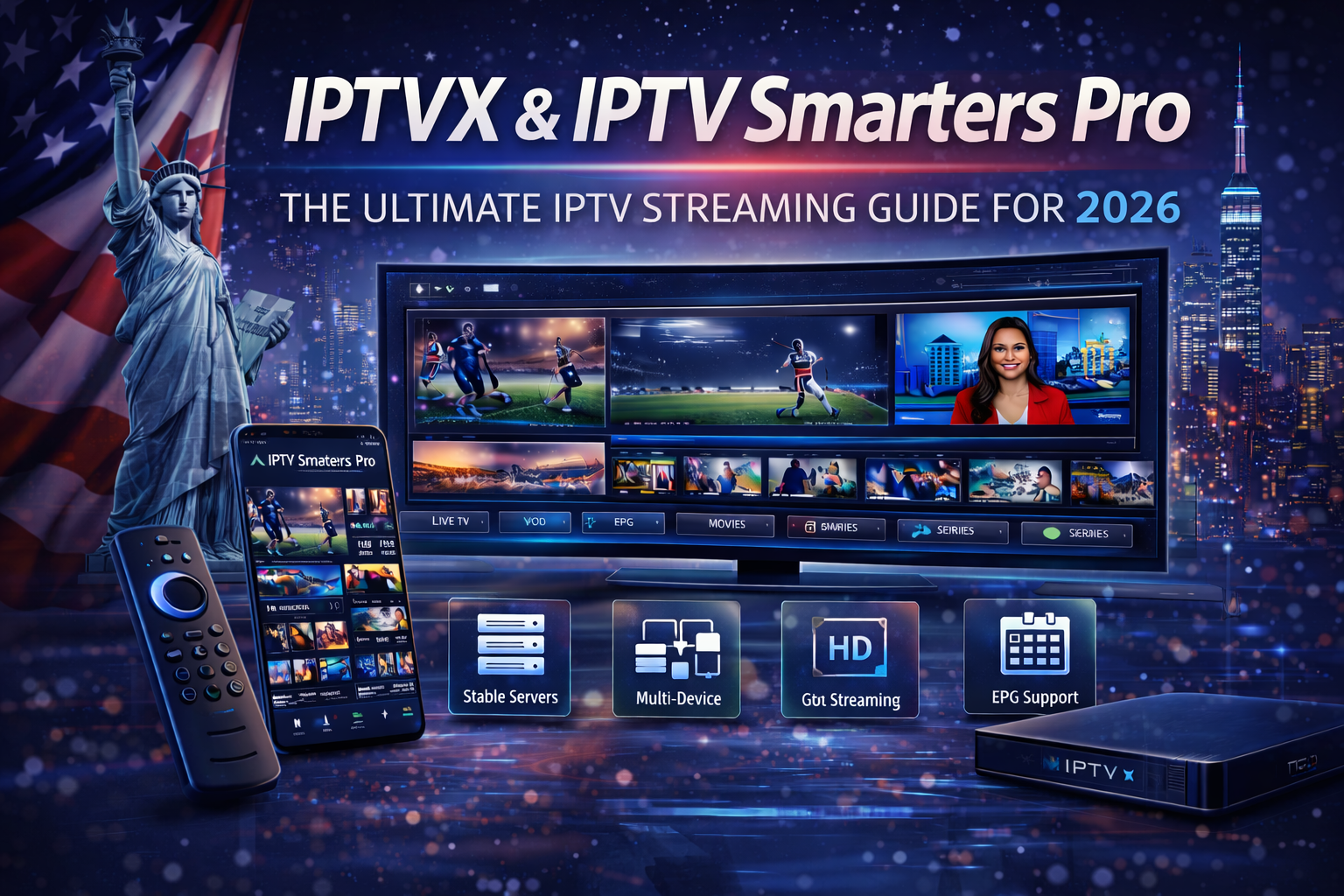
Smart TVs have completely changed how people watch television. Instead of relying on cable boxes or satellite dishes, users now expect to stream content directly on their TVs using the internet. In 2026, IPTV is one of the most popular ways to watch live TV, sports, movies, and series.
One of the most widely used IPTV apps worldwide is IPTV Smarters It is known for its clean interface, easy setup, and compatibility with many devices. When combined with a reliable IPTV service like IPTVX, IPTV Smarter delivers a smooth, modern TV experience without cable restrictions.
This guide answers a very common question:
How to install IPTV Smarter on your Smart TV?
We will explain everything step by step for all major Smart TV brands and show how to connect IPTV Smarter with IPTVX for the best results.
What Is IPTV Smarter?
IPTV Smarter is an IPTV player application. It does not provide TV channels by itself. Instead, it allows users to log in using credentials from an IPTV service provider (such as IPTVX) and then displays the content on the screen.
With IPTV Smarter, users can access:
- Live TV channels
- Movies and TV series (VOD)
- Electronic Program Guide (EPG)
- Favorites and search features
- Multi-screen options (on supported devices)
In 2026, IPTV Smarter remains one of the most beginner-friendly IPTV apps available.
What Is IPTVX and How Does It Work with IPTV Smarter?
IPTVX is an IPTV service provider that delivers live TV channels, sports, movies, and series through stable internet streaming servers.
IPTVX provides:
- Login credentials (username, password, server URL)
- Optimized streaming servers
- HD and Full HD quality
- Compatibility with IPTV Smarters
IPTV Smarter is simply the app that displays IPTVX content on your Smart TV.
Before You Install IPTV Smarter on Your Smart TV
Before starting, make sure you have:
- A Smart TV connected to the internet
- An IPTVX subscription or trial
- IPTV Smarter installed (or ready to install)
- IPTVX login details
Once you have these, installation is simple.
Supported Smart TVs for IPTV Smarter
IPTV Smarters works on many Smart TV platforms.
The most common ones include:
- Android TV
- Google TV
- Smart TVs using Android-based systems
For Samsung and LG TVs, IPTV Smarters is not available directly, but there are alternative solutions explained later in this guide.
How to Install IPTV Smarter on Android Smart TV (Step-by-Step)
This is the easiest and most popular method.
Step 1: Turn On Your Android Smart TV
Make sure your TV is connected to the internet.
Step 2: Open Google Play Store
From the home screen, open the Google Play Store.
Step 3: Search for IPTV Smarter
Type “IPTV Smarters” in the search bar.
Step 4: Install the App
Select IPTV Smarters and click Install.
Step 5: Launch IPTV Smarters
Once installed, open the app.
How to Log In to IPTV Smarter with IPTVX
After opening IPTV Smarter, follow these steps:
Step 1: Choose Login Method
Select Login with Xtream Codes API (recommended).
Step 2: Enter IPTVX Credentials
Fill in:
- Username
- Password
- Server URL
These details are provided by IPTVX after activation.
Step 3: Save and Load Content
Click Login. Channels, movies, and series will load automatically.
IPTV Smarter Installation on Samsung Smart TV (Alternative Method)
Samsung Smart TVs use Tizen OS, which does not support IPTV Smarters directly.
Solution Options:
- Use an external device (Firestick or Android TV Box)
- Use a compatible IPTV app available on Samsung Store
- Mirror IPTV Smarter from another device
The best and most stable solution is using a Firestick with IPTV Smarters.
IPTV Smarters Installation on LG Smart TV (Alternative Method)
LG Smart TVs use webOS, which also does not support IPTV Smarter directly.
Recommended Solutions:
- Use Amazon Firestick
- Use Android TV Box
- Use screen mirroring
For the best experience, IPTVX recommends Firestick or Android TV.
Why Firestick Is the Best Companion for IPTV Smarter
Many Smart TV users choose Firestick because:
- Easy installation
- Excellent IPTV app support
- Affordable
- Portable
Firestick ensures full IPTV Smarters compatibility with IPTVX.
IPTV Smarter Settings for Best Performance on Smart TV
After installation, adjust these settings:
Video Settings
- Set stream format to Auto
- Enable hardware acceleration if available
EPG Settings
- Refresh EPG after first login
Player Settings
- Use default player (recommended)
These settings improve stability and speed.
Internet Speed Requirements for IPTV Smarter
To enjoy IPTV Smarters smoothly on your Smart TV:
- SD quality: 5 Mbps
- HD quality: 10 Mbps
- Full HD: 15–20 Mbps
- Multiple devices: 25 Mbps+
Stable Wi-Fi or Ethernet connection is recommended.
IPTV Smarter for Live Sports on Smart TV
Live sports streaming requires strong performance.
With IPTVX and IPTV Smarter, users can:
- Watch live sports smoothly
- Enjoy minimal buffering
- Switch channels quickly
Sports are the best way to test IPTV quality.
IPTV Smarters for Movies & Series
IPTV Smarters includes a dedicated VOD section.
Benefits include:
- Organized movie categories
- Full TV series with seasons
- On-demand access
This replaces multiple streaming subscriptions.
Common IPTV Smarters Problems and Solutions
App Not Loading
- Restart the TV
- Check internet connection
- Update the app
Buffering Issues
- Restart router
- Use wired connection if possible
- Lower stream quality
Channels Not Appearing
- Recheck IPTVX login details
- Refresh playlist
Most issues are easy to fix.
IPTV Smarters Security Tips
To stay safe:
- Keep IPTVX login private
- Use official IPTV Smarters app
- Avoid public Wi-Fi
- Update the app regularly
Security ensures long-term stability.
IPTV Smarters for Families
IPTV Smarters is family-friendly:
- Kids channels available
- Easy navigation
- Multi-profile support
Families enjoy flexible viewing without cable limits.
IPTV Smarters for Travelers and Expats
IPTV Smarters works anywhere with internet access.
Perfect for:
- Travelers
- Expats
- Remote workers
Your Smart TV becomes global entertainment.
Why IPTVX Is the Best IPTV Service for IPTV Smarters
IPTVX is optimized for IPTV Smarters usage.
Key advantages:
- Stable servers
- HD & Full HD quality
- Smart TV compatibility
- Fast activation and support
This makes IPTVX a reliable long-term IPTV solution.
IPTV Smarters vs Other IPTV Apps
Compared to other IPTV apps, IPTV Smarters offers:
- Easier setup
- Cleaner interface
- Strong Smart TV support
This is why it remains popular in 2026.
The Future of IPTV Smarter on Smart TVs
IPTV Smarter continues to evolve.
Future improvements may include:
- Better Smart TV optimization
- Faster loading times
- Smarter interface design
IPTV Smarter will remain a key IPTV app.
Final Conclusion: How to Install IPTV Smarter on Your Smart TV in 2026
Installing IPTV Smarter on your Smart TV in 2026 is simple when you follow the right steps. With the correct setup and a reliable IPTV provider like IPTVX, you can enjoy live TV, sports, movies, and series directly on your Smart TV without cable or satellite.
If you want a modern TV experience, IPTV Smarter + IPTVX is the perfect combination.
Next steps?